Hard Objects (Recommended): Hard flat materials such as metal plates, wooden boards, and ceramics.
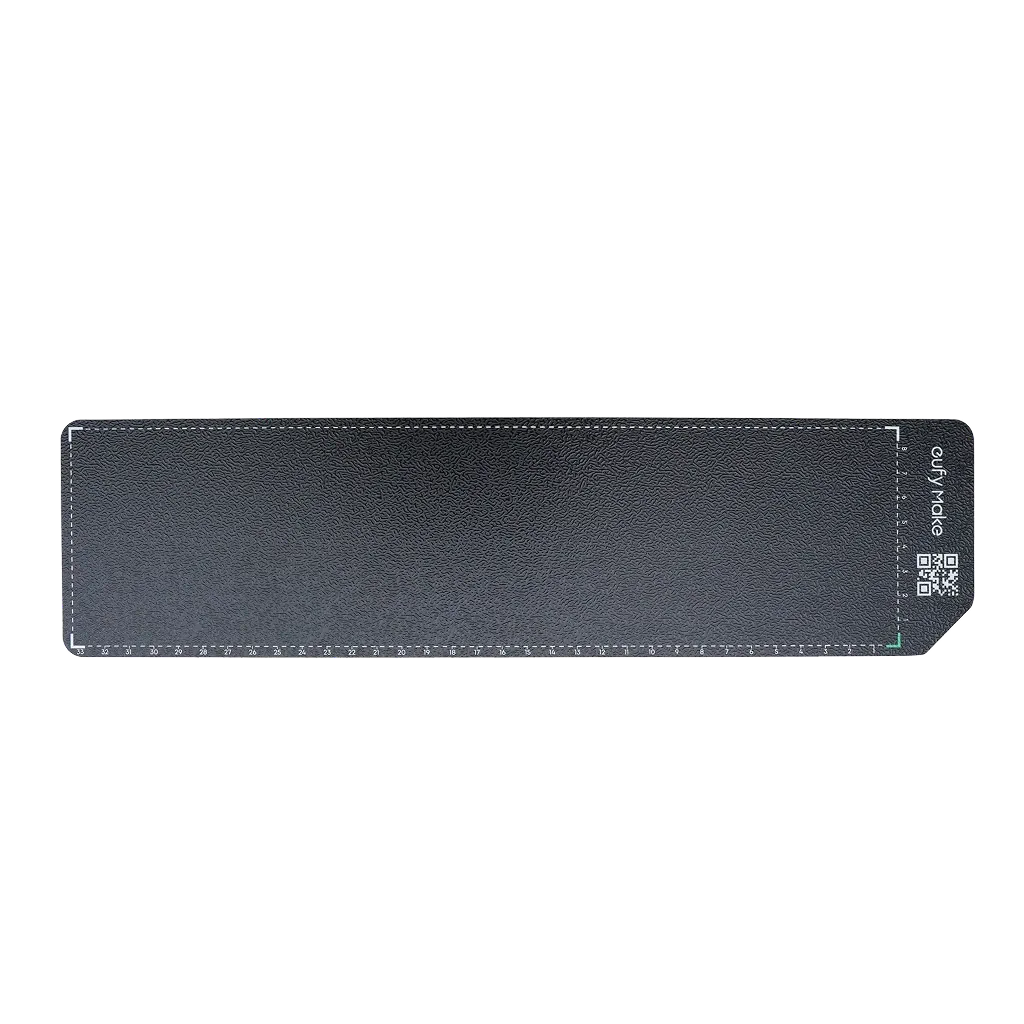
Heat-Sensitive Objects (Fixed with Adhesive Plates): Thin acrylic sheets (around 1 mm thick) may deform after about 30 prints due to heat from the UV lamp. These should be securely fixed to the platform using adhesive plates. For example, when using acrylic, press each sheet firmly to ensure it is fully in contact with the platform surface.
Paper and Soft Film (Test Adhesive Plate First): When printing on paper or film products, test in advance to ensure the material adheres well to the adhesive plate.
The following materials may have adhesion problems:
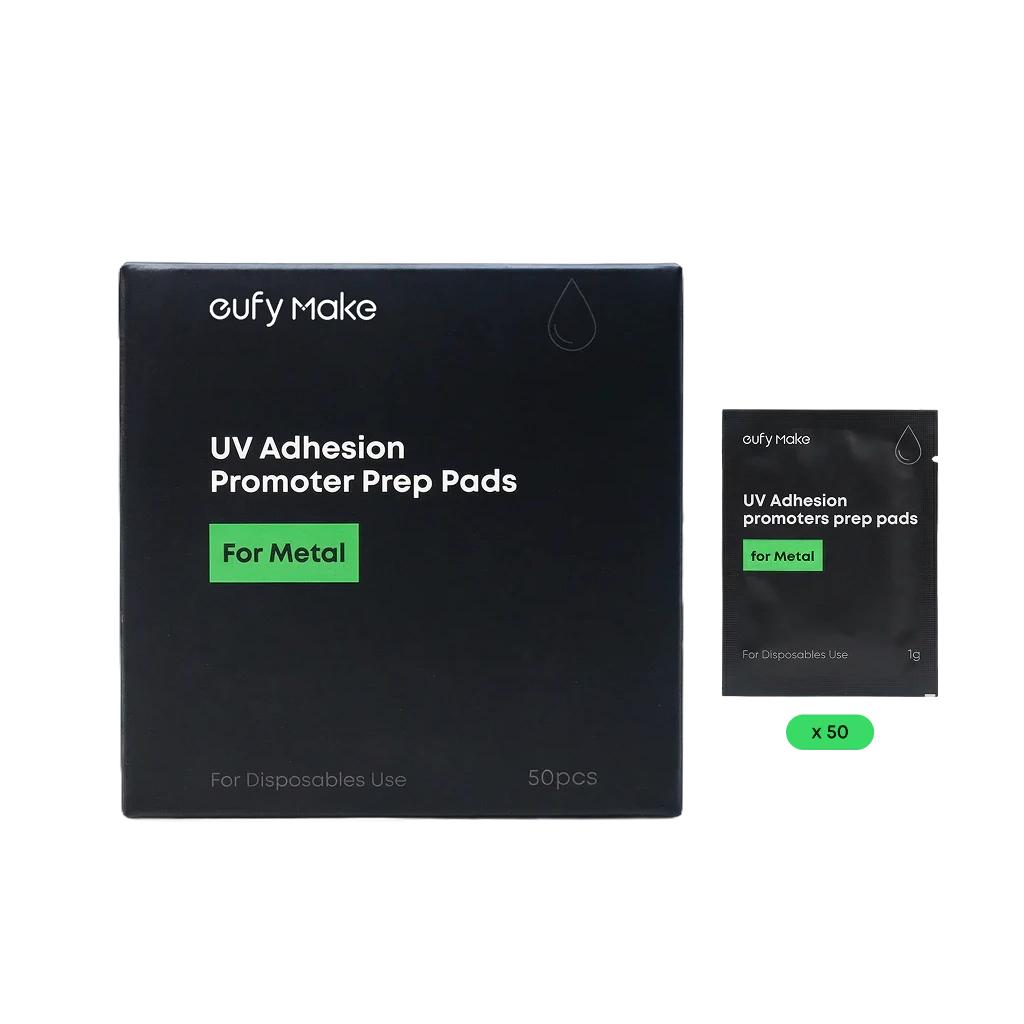
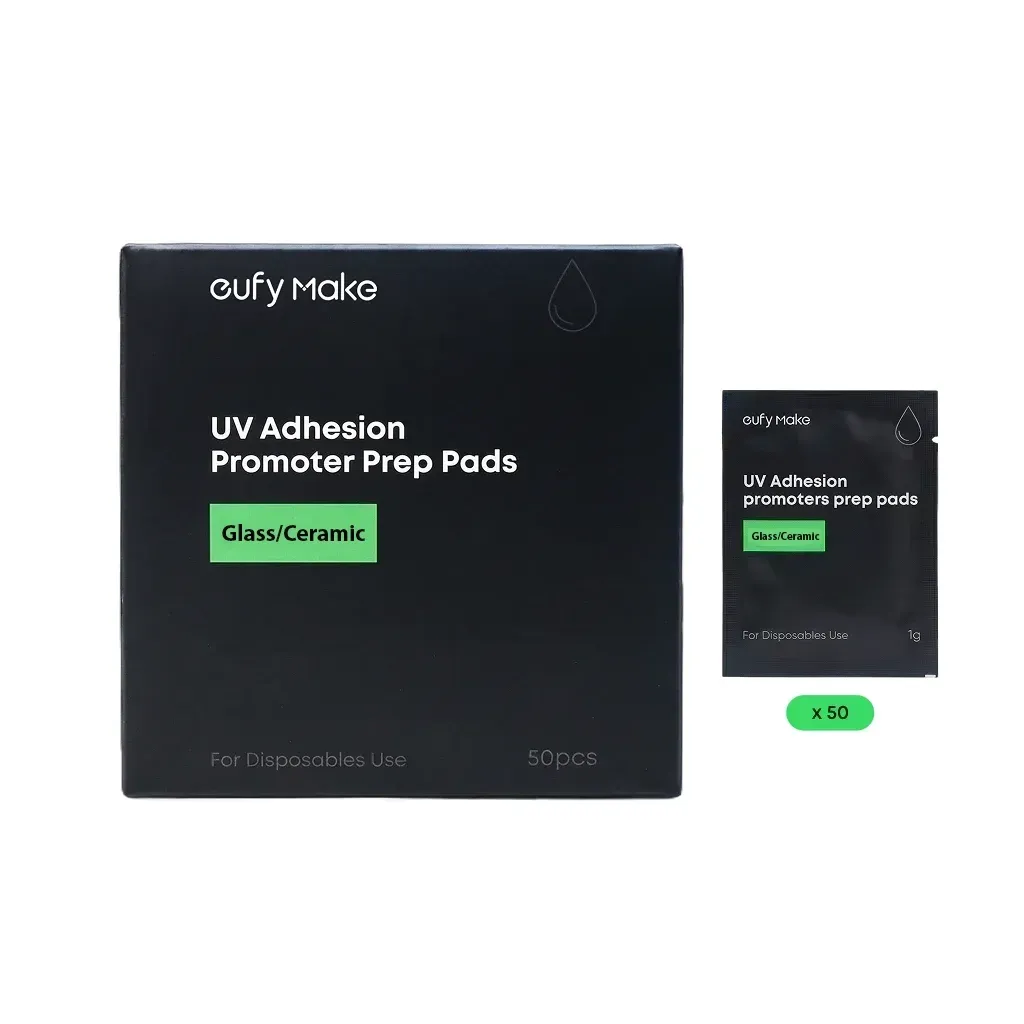
- Glass or Glazed Ceramics: Pre-coating liquid is recommended to avoid peeling or wrinkling.
- Metal: Suitable for normal use. Pre-coating is recommended in humid environments or where rapid temperature changes may occur.
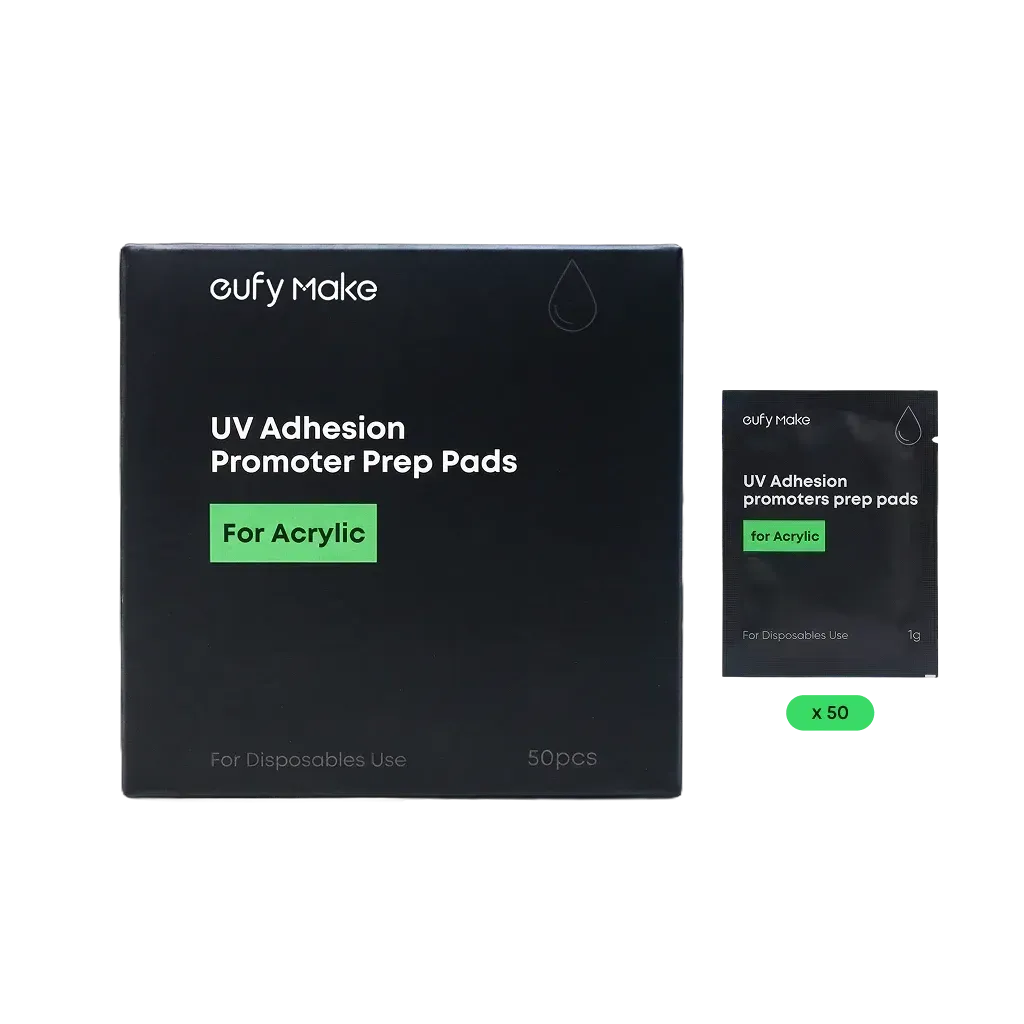
- Acrylic: Suitable for normal use. Pre-coating is recommended if the print needs to withstand heavy scratching.
Flatbed Mode:
- Maximum object height recognized by the camera: 60 mm
- Maximum printable object height: 100 mm
- Maximum allowable height variation on a single object: 2 mm
Important Note: All objects placed on the platform must be at the same height. Uneven objects can cause damage to both the substrate and the machine.
Rotary printing mode (all of the following conditions must be met):
- Object diameter must be between 40 mm and 100 mm.
- The difference between the largest and smallest diameters must not exceed 35 mm.
- The taper angle must not exceed 13 degrees.
- The object must be perfectly round with straight sides (for example, a cylinder or a straight-sided cup).
There are generally two possible causes:
- Camera calibration error: You can run camera calibration again if needed. The typical calibration accuracy is within 1 mm.
- Image placement error: In most cases, misalignment is due to image placement. It is recommended to size the image slightly larger than the substrate to ensure proper alignment.
3D texture is a three-dimensional effect created by stacking layers of white ink, then applying a top layer of color ink to ensure vivid and bright colors.eufyMake has developed a unique stacked printing algorithm to optimize both efficiency and quality. During printing, you may notice some white pigment visible between layers—this is normal.The color layer will be applied afterward, and the final result will be completely covered in color.In general, the thicker the model, the more print passes will be required to achieve the full 3D texture.
Flatbed printing mode: 5 mm
Rotary printing mode: 1 mm
Roll printing accessories: 1 mm
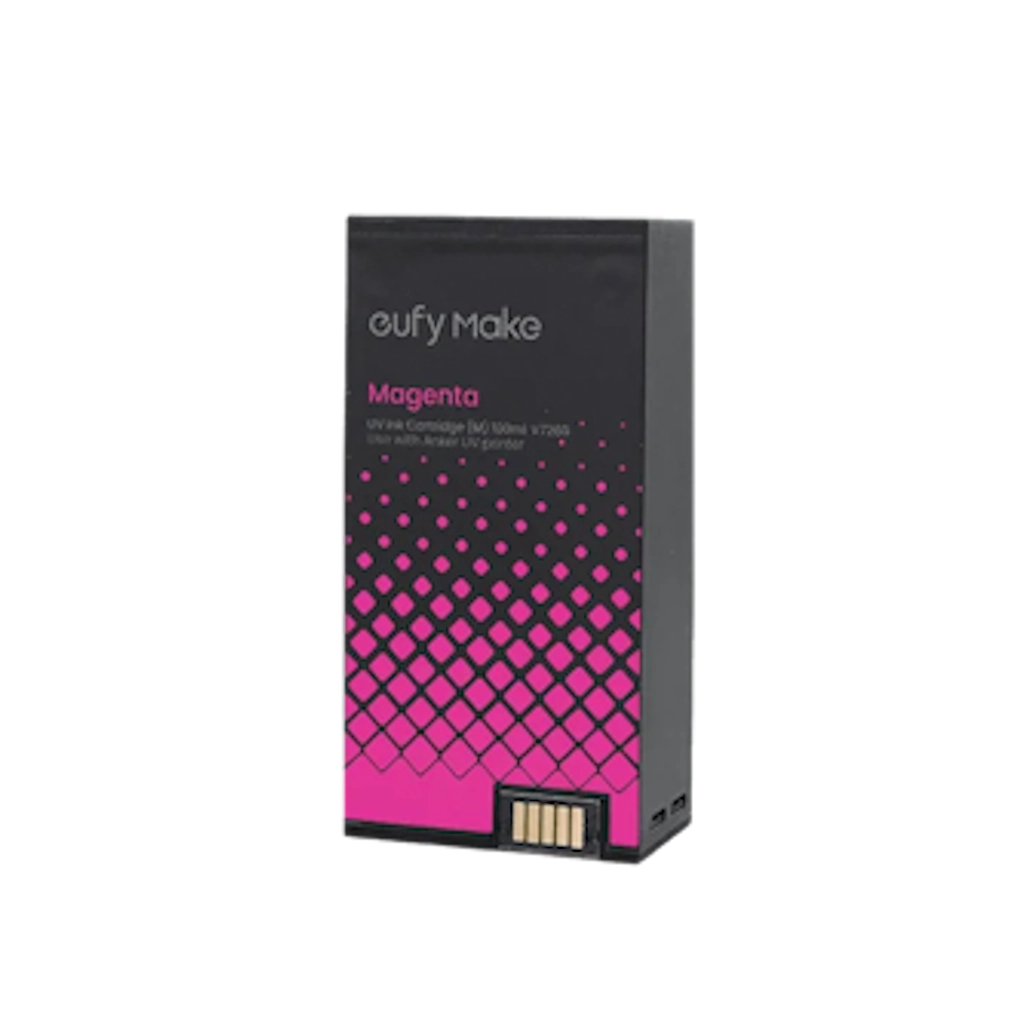
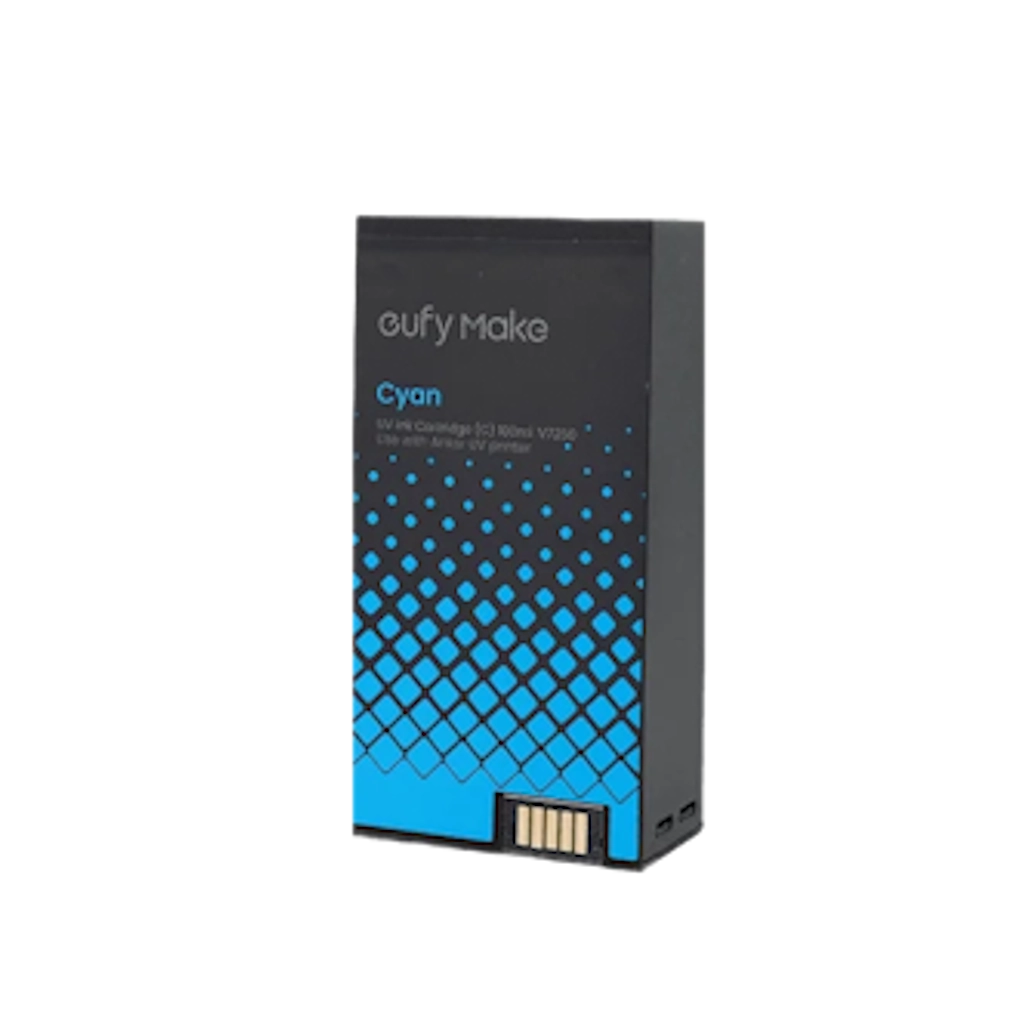
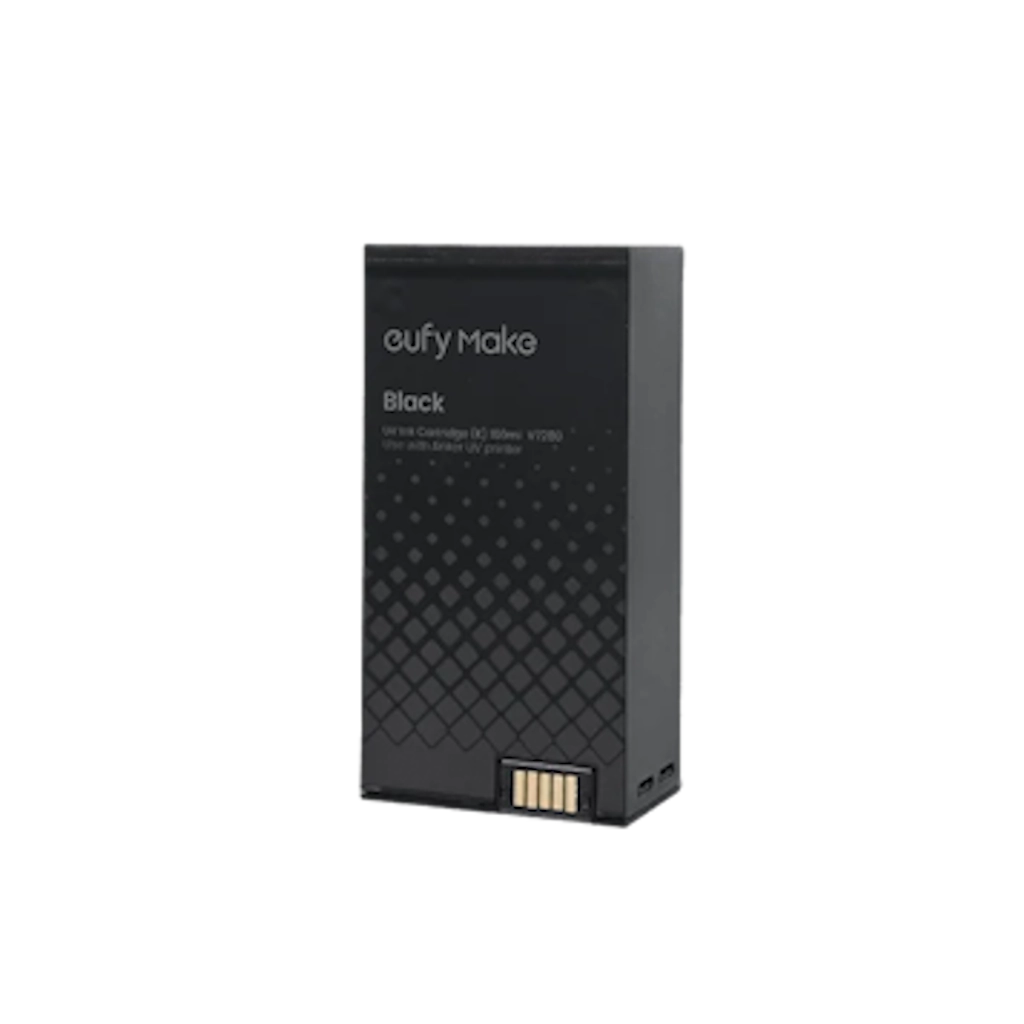
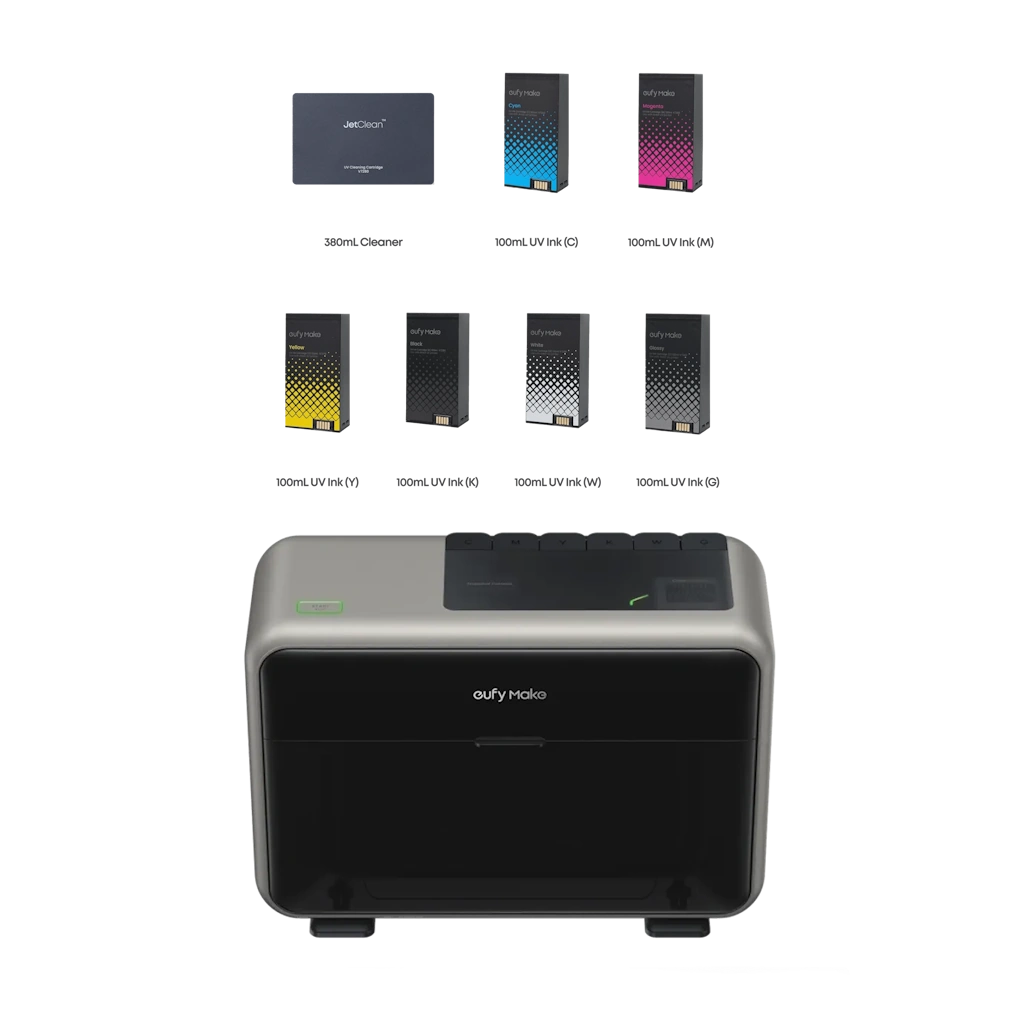
White + CMYK: Printing a white ink base enhances the vibrancy of the printed image.
CMYK: Prints directly onto the original substrate, allowing the base color to show through.
CMYK + White: Used when printing on acrylic for inverted display (the image must be mirrored).
CMYK + White + CMYK: Used when printing on acrylic for double-sided display.
White: Prints a pure white background.
Gloss: Prints a pure glossy coating layer.
Sticker: Used for crystal sticker mode.

C.R. Kennedy (New Zealand) Ltd is one of New Zealand's foremost Photographic, Video, CCTV, Survey and Medical importers and distributors. The Company is divided into four main divisions - Photo Imaging, Medical, Survey and Surveillance. C.R. Kennedy (NZ) Ltd is based in Auckland and offers full representation throughout New Zealand. In conjunction with our sister company, C.R.Kennedy & Company Pty Ltd in Australia, we offer Australasian distribution and representation.
Shop Safely and Securely with @ C.R Kennedy NZ
Don’t have a PayPal account? No worries.© 2026 C.R. KENNEDY. (New Zealand) Ltd All rights reserved.